Internet Cafe 98 Upgrade Priority Checklist
Tick through first PC, network, research, coffee, drives, and expansion without wasting a launch-week dollar.
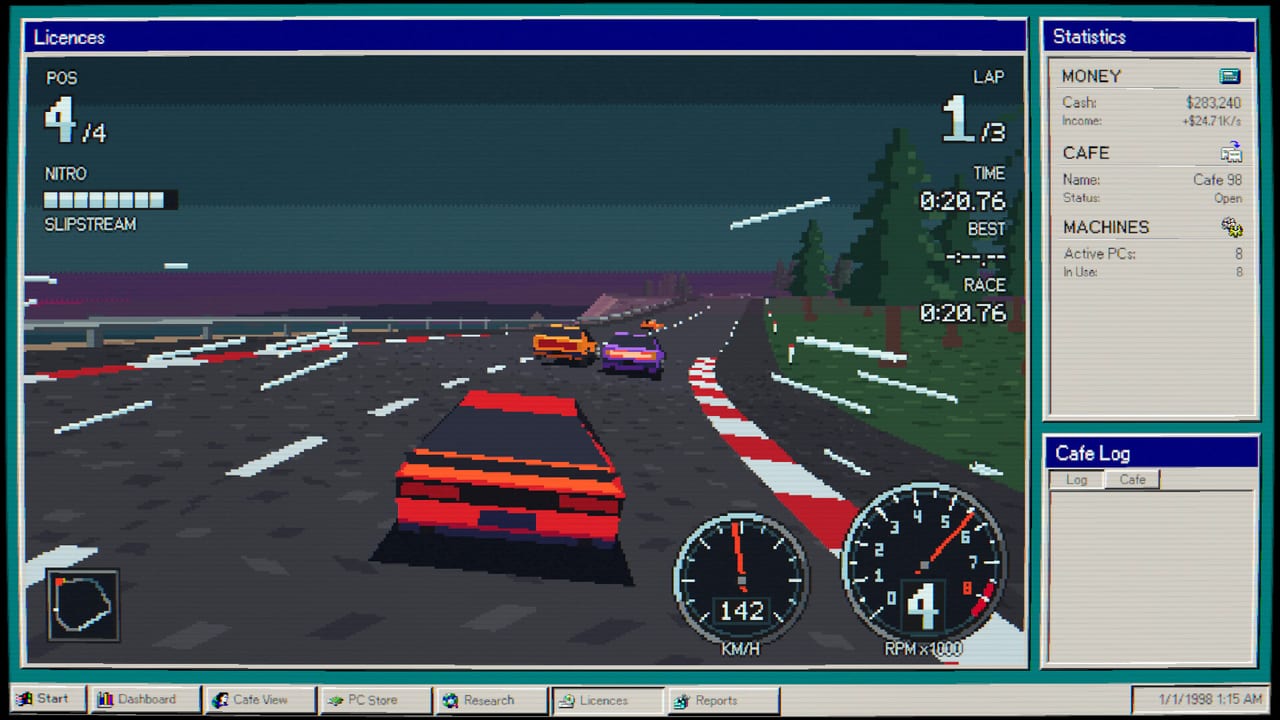
This Upgrade Priority Checklist is the desk-side companion to the Tier List Hub and Early Game Upgrade Priority pages. Work section by section. Do not skip ahead to expansion or franchise cables while earlier boxes are empty. When a line needs explanation, follow the linked guide, then return and tick the box mentally or on a notepad.
Internet Cafe 98 begins with one trash PC on a Windows 98-style desktop. Your job is to upgrade parts and network, research new tech, serve customers, keep coffee flowing, clean drives, expand rooms, and eventually run a global franchise with ten playable retro games. This checklist orders the profitable path through that fantasy.
How to use this checklist
- Complete Section A before you treat the cafe as “open for real.”
- Keep Sections B–D looping every session.
- Unlock Section E only when income and research feel stable.
- Revisit after patches summarized on Updates and Launch Week Notes.
New to the UI? Read Getting Started once, then keep this page pinned.
Section A — First PC (trash box to earner)
Goal: raise quality and income on desk one before duplicating failure.
- Finish every tutorial prompt that mentions component upgrades.
- Buy the first mouse and keyboard upgrades when they appear.
- Purchase the motherboard / system board as soon as it is affordable.
- Upgrade CPU on the starter PC after previewing income impact in the builder.
- Upgrade RAM on the same desk; avoid leaving memory as the forgotten bottleneck.
- Add storage when the builder shows a clear quality or income gain.
- Take case / chassis steps that unlock cleaner builds without emptying the wallet.
- Delay luxury GPU / display spikes until CPU, RAM, and board are current for this tier.
- Confirm the PC’s income is noticeably better than the tutorial baseline before opening or expanding seats.
Deep dive: PC Building. Ranking context: Early Game Upgrade Priority.
Section B — Network capacity
Goal: stop chat meltdowns and wasted hardware spend.
- Open network / modem settings from the desktop or taskbar tools the tutorial highlights.
- Raise internet capacity at the first affordable tier after the starter PC is viable.
- Re-check capacity every time you add a desk or hear lag complaints in customer chat.
- Avoid buying a second weak PC solely to “fix” a choked line — fix the pipe first.
- After mid-game unlocks, keep bandwidth one step ahead of seat count.
Demo-era patches moved internet capacity earlier and clarified research; treat network as S tier until the first room is calm. Customer complaint translation: Customers.
Section C — Research loop
Goal: never leave the tech tree idle.
- Open the research window from the taskbar every session start.
- Queue a research node before you AFK or alt-tab.
- Spend research points on unlocks that improve hardware access, part costs, or systems that raise cafe throughput.
- Decode data banks when the UI offers them; do not hoard undecoded progress forever.
- After each major unlock, return to Section A and refresh the flagship build with newly available parts.
- Prefer research that accelerates future research or part discounts before vanity nodes.
Full system notes: Research. Visual reference for the lab-style screens accompanies this page’s hero image and embedded video.
Section D — Coffee, customers, and drives
Goal: protect session length and multiply desk earnings.
Coffee and comfort
- Locate the coffee machine and confirm you know how to stock it.
- Restock coffee whenever customers start leaving early or chat turns salty about service.
- Treat coffee spends as A-tier insurance, not optional flavor.
Customers
- Read chat complaints as diagnostics (network, hardware, comfort).
- Fix the complained system before buying unrelated prestige parts.
- Keep at least one eye on happiness when you add desks.
Drives
- Clean hard drives on owned PCs on a recurring cadence.
- Dig up lost files when the action is available to boost desk earnings.
- Repeat cleaning after adding new machines so new desks are not left dirty.
Guide link: Customers. Tier rationale: coffee and drives stay A on the Tier List Hub.
Section E — Expand seating and rooms
Goal: grow only when the current floor prints money.
- Add desk two only after Sections A–C are healthy on desk one.
- Clone a proven parts mix instead of improvising a worse second build.
- Repeat network and coffee checks after every new seat.
- Fill the first room before obsessing over wall knock-throughs.
- Expand to the next room when current desks earn well and research is not starved.
- Budget for more upkeep, more cleaning, and more bandwidth after the wall comes down.
- Delay global franchise openings and intercontinental cables until home rooms are stable (C tier early).
- Add retro game licences when customers want them or when you want to play the ten embedded titles — not as a substitute for S-tier upgrades.
Expansion detail: Expansion. Planning hub: Tools.
Session end checklist
Before you quit for the night:
- Research node queued or claimed.
- Coffee stocked.
- Dirty drives cleaned on active desks.
- Next checklist section noted for tomorrow.
- Patch or price questions checked on Launch Week Notes if you are buying during the intro discount window.
Quick reference order
- Tutorial-safe first PC (peripherals, board, CPU, RAM)
- Network capacity
- Research uptime
- Coffee + drive cleaning loop
- Balanced GPU/display as builder math allows
- Extra desks with cloned builds
- Next room
- Franchise and licence binge last
Official store, demo (Steam 4225170), and Discord links: Links Hub. For why each line is ordered this way, stay synced with Early Game Upgrade Priority and the category ranks on the Tier List Hub.
Run this checklist once carefully on a fresh save — full game or demo — and you will feel the difference between a cafe that grows and a cafe that only clicks.
Frequently Asked Questions
Quick answers for cafe owners still learning the dial-up grind.
Can I skip Section A if I already opened the cafe?
No. Go back and finish flagship CPU, RAM, board, and network upgrades before adding desks. A weak open is recoverable if you stop seat-spamming.
How often should I run Section D?
Every session. Coffee and drive cleaning are recurring loops, not one-time unlocks.
When is franchise expansion allowed on this checklist?
Only after Section E’s home-room conditions are met. Early franchise spending is C tier on the tier list.
Does this replace the guides?
No. Use guides for system rules and this checklist for order. Links inside each section jump to PC Building, Research, Customers, and Expansion.
Where do I find related planning pages?
Return to the Tools Hub for the tool index, and use the Tier List Hub plus Early Game Upgrade Priority for ranking context.